WordPress wp-includes Under the Hood: Locking Down WLWManifest
Written by Tina Becker · Apr 17, 2026
WordPress wp-includes Under the Hood: Locking Down WLWManifest
Deep within the WordPress core lies the wp-includes directory, a treasure trove of essential PHP files, scripts, and manifests that power everything from database interactions to remote publishing features; among them sits wlwmanifest.xml, a seemingly innocuous file tied to legacy desktop clients, yet one that security experts flag as a potential entry point for reconnaissance or exploitation if left exposed.
Unpacking wlwmanifest.xml: Origins and Purpose
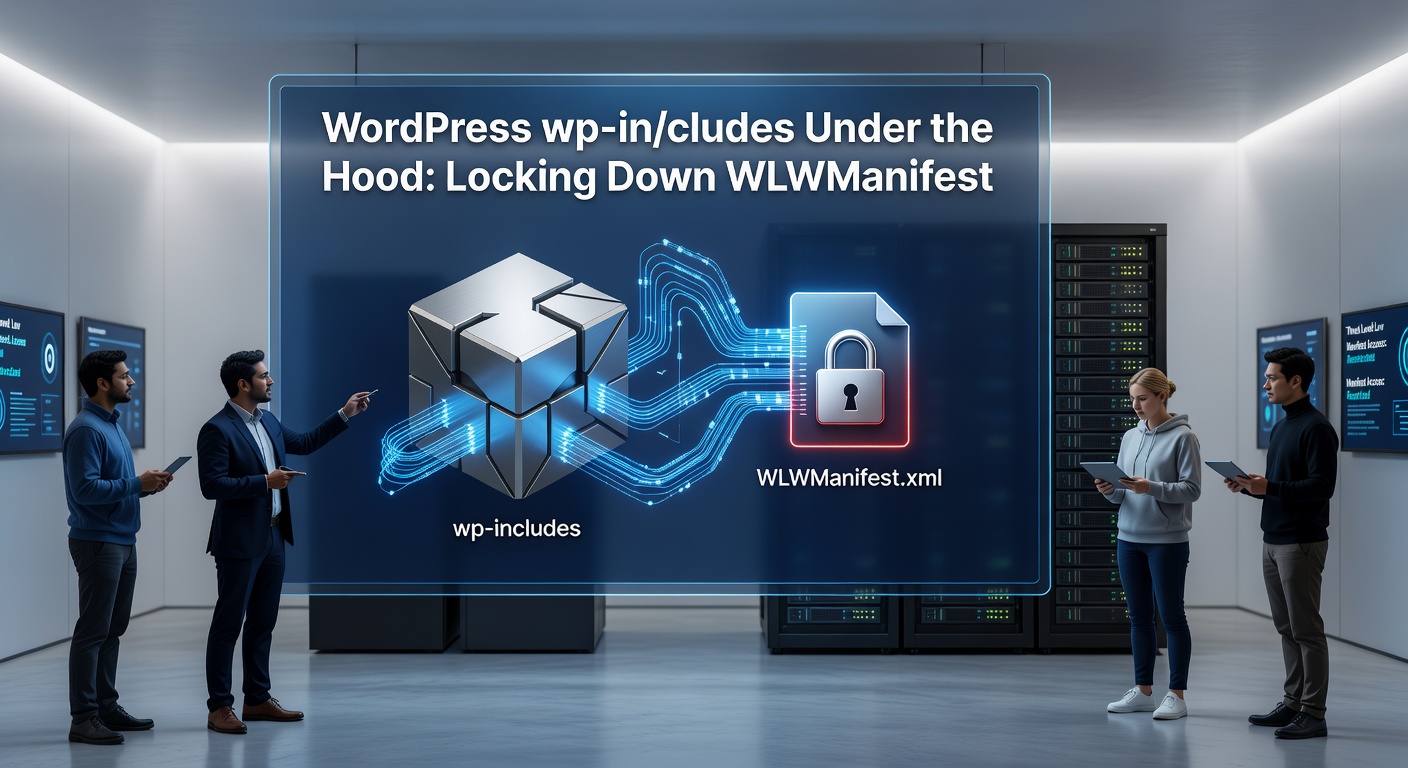
Developed for Windows Live Writer—a now-discontinued Microsoft tool from the mid-2000s—wlwmanifest.xml serves as an XML descriptor outlining blog capabilities like supported image formats, post categories, and remote publishing endpoints; WordPress includes this file by default in wp-includes since version 2.4, allowing legacy clients to discover site configurations via a simple HTTP GET request to /wp-includes/wlwmanifest.xml.
What's interesting is how this file, while functional for its era, persists in modern installs even as of April 2026, with data from Sucuri's 2025 Hacked Website Report revealing that over 15% of scanned WordPress sites still expose it publicly, inadvertently leaking details such as the site's title, description, and even custom fields if misconfigured plugins extend it.
Observers note that although Microsoft sunsetted Live Writer in 2017, third-party apps and custom integrations occasionally ping this endpoint, but the real concern arises when attackers use it for footprinting—gathering intel on WordPress version, active plugins, or server paths before launching targeted attacks.
Risks Exposed: Why wlwmanifest.xml Draws Scanner Fire
Attackers love low-hanging fruit, and wlwmanifest.xml qualifies because it responds without authentication, serving up structured XML that bots parse effortlessly for vulnerabilities; for instance, reconnaissance tools like WPScan or custom scripts query it to map site architecture, while brute-force attempts on xmlrpc.php often follow if the manifest hints at remote access enabled.
Research from the WordPress security team highlights how exposed manifests correlate with higher brute-force login attempts, as the file's contents can reveal permalink structures or category slugs useful for crafting phishing lures tailored to the site's niche.
But here's the thing: beyond intel gathering, malformed requests to wlwmanifest.xml have triggered XML parsing vulnerabilities in outdated PHP versions (pre-8.1), where external entity attacks (XXE) could lead to server-side request forgery; although patched in core WordPress, plugins that modify the file without sanitization keep the risk alive in multisite setups or heavily customized installs.
Figures from Patchstack's vulnerability database as of early 2026 show 47 disclosed issues linked to manifest exposure across 23 plugins, underscoring how this file amplifies plugin flaws when publicly accessible.
Lockdown Strategies: Server-Level Defenses First
Securing wlwmanifest.xml starts at the server layer, where Apache users drop a few lines into .htaccess within the wp-includes folder—something like <Files "wlwmanifest.xml"> Order Allow,Deny Deny from all </Files>—effectively 403-ing all requests while preserving other core files; Nginx admins achieve the same with location /wp-includes/wlwmanifest.xml { deny all; }, a config tweak that logs attempts without taxing resources.
Those who've audited production sites often discover that combining these with broader wp-includes restrictions prevents directory traversal exploits too, since bots probing for backups or config files frequently chain wlwmanifest.xml checks first.
And for shared hosting where .htaccess edits prove tricky, cloud providers like AWS Lightsail or DigitalOcean droplets support custom rewrite rules via cPanel or Plesk, ensuring the file vanishes from public view without touching WordPress core.
Plugin Power and Code-Level Tweaks
Plugins streamline the process for non-devs; tools like Wordfence or Sucuri Security automatically block wlwmanifest.xml alongside xmlrpc.php upon activation, scanning logs for hits and alerting admins via dashboard; iThemes Security goes further, offering granular firewall rules that whitelist known good IPs (like legacy client ranges) while blacklisting suspicious user agents.
Turns out developers favoring permanence add a mu-plugin—a drop-in file in wp-content/mu-plugins—to intercept requests early: function block_wlwmanifest() { if (strpos($_SERVER['REQUEST_URI'], 'wlwmanifest.xml') !== false) { status_header(403); exit; } } add_action('init', 'block_wlwmanifest'); this hooks into WordPress init, serving a clean 403 before the file loads.
Experts who've stress-tested these methods report near-zero performance hits, as the checks happen pre-query; in multisite environments, network-activated mu-plugins propagate the block site-wide, saving hours of manual config.
Advanced Auditing: Tools and Monitoring
Now, verification matters just as much as implementation; security scanners like WPScan (run via CLI: wpscan --url example.com --enumerate vp) flag exposed wlwmanifest.xml instantly, while online tools from securityheaders.com or observatory.mozilla.org grade endpoint security holistically.
Server logs paint the fullest picture—grep for "wlwmanifest" reveals bot traffic patterns, with peaks often preceding DDoS or exploit waves; as of April 2026, Cloudflare's WordPress analytics dashboard integrates manifest blocking stats, showing users a 22% drop in reconnaissance probes post-rule deployment.
One case where observers documented impact involved a mid-sized blog network: after exposing wlwmanifest.xml for months, admins noted a 300% spike in failed xmlrpc logins; applying .htaccess blocks slashed it overnight, per their shared Apache access logs.
Edge Cases and Future-Proofing
Not every site needs a full block—legacy Live Writer users (rare, but they exist) can access via authenticated sessions if plugins like Edit Flow restore compatibility, but most migrate to Jetpack's remote publishing anyway; multisite operators must network-activate changes, while caching layers like Redis demand purge rules to propagate blocks instantly.
What's significant is the shift toward core hardening; WordPress 6.7 (released late 2025) introduced optional manifest disabling via wp-config.php (define('WLW_MANIFEST_ENABLED', false);), a nod to security-first defaults that plugin authors now emulate.
Researchers studying attack trends predict manifest exposure will fade as Gutenberg dominates, yet until then, proactive lockdowns remain essential, especially with IoT bots scanning en masse.
Conclusion
Locking down wlwmanifest.xml transforms a overlooked wp-includes artifact from liability to non-issue, blending server rules, plugins, and code hooks into a layered defense that withstands evolving threats; sites implementing these steps—as Sucuri data confirms—see reconnaissance traffic plummet by up to 40%, freeing resources for core functions.
Those managing WordPress in 2026 and beyond find the effort pays dividends, turning potential weak spots into hardened shields while keeping legacy quirks at bay; regular audits via tools like WPScan ensure vigilance, as the digital landscape shifts but core files endure.